/eh/2025-01-08/173633966714069467/picture.png)

/eh/2024-12-24/173503345348979036/Favorite-Icon.png)
/eh/2025-07-08/1751962110204480194/picture.png)
/eh/2025-06-21/1750485478958537574/countryInfoIcon.png)
/eh/2025-06-21/1750485741321434291/Hi-Sign-in-My-Nihao.png)
/eh/2025-06-21/1750485837193896318/cart.png)
/eh/2025-06-21/1750485968202533847/cart.png)
/eh/2025-04-17/1744862476612819675/hot-img.png)
/eh/2025-11-07/1762504524550532584/header-icon.jpg)
/eh/2025-07-07/1751875582852206790/header-icon.png)
/eh/2025-07-07/1751875587886277738/header-icon.png)

Best in 7 days


Shopping security
Description:
This product does not have a battery, you need to bring your own battery.
Silencing and testing
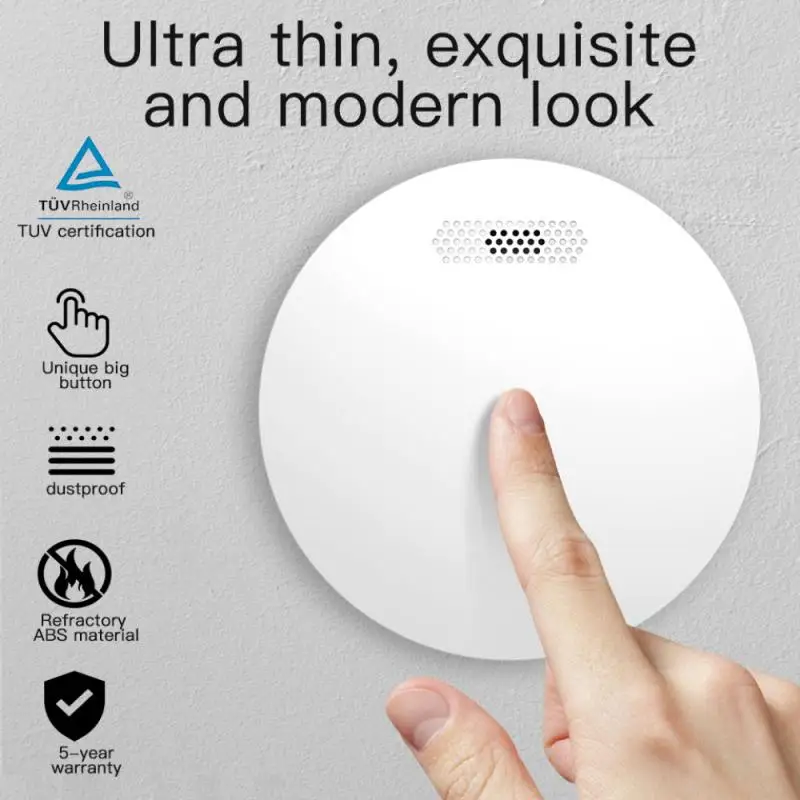
Silence: In the alarm state, press the "test" button to silence the buzzer, only the LED indicator flashes.
Test: In normal state, long press the "test" button for 2s to trigger the sound and light alarm, the alarm message is sent to the mobile APP.
WiFi and network configuration
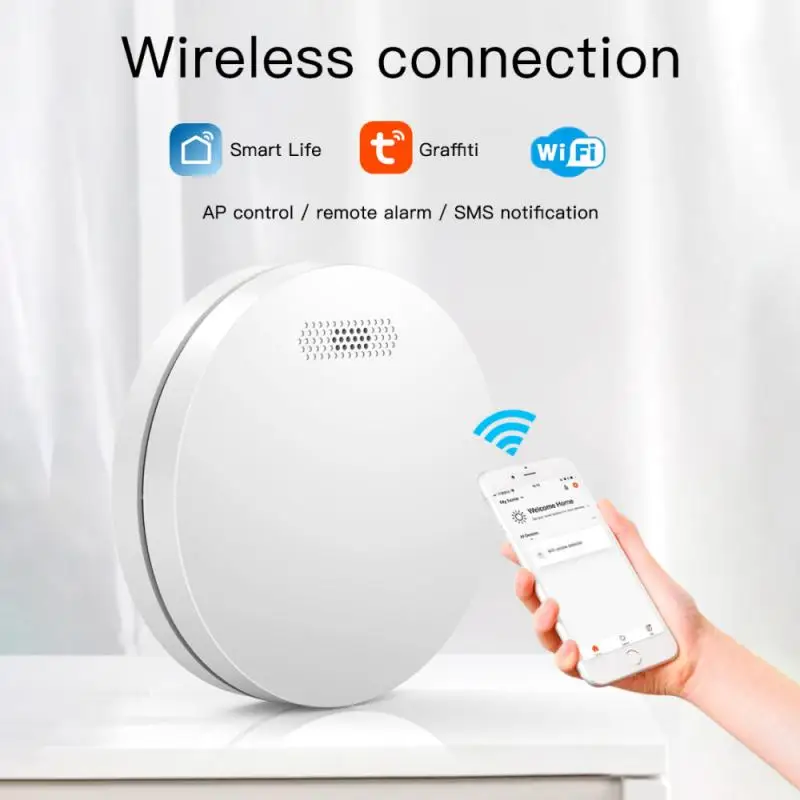
Install the tuya Smart app on your smartphone the first time you use the detector.
Make sure your smartphone is connected to WiFi.
A) Launch the app, click "Add Device" --- "Security Sensor" --- "Sensor (WiFi) '/" Smoke (WiFi) ".
B) Press and hold the "Test" button for 5s until the LED flashes with a short beep of "di" (press and hold the button within 20 seconds after charging the battery to enter WiFi setup mode).
C) Click "OK" in the APP --- enter the password for WiFi, click "OK", the detector enters setup mode which lasts for 60s max.
A LONG "di" beep with LED indicator on for 10s means the WiFi setup is complete. When the WiFi setup fails, the detector exits setup mode with a short 'Di Di' beep.
The WiFi configuration is based on the 3 steps above.
WiFi network status: When the LED indicator is on for 10s after charging the battery, it means the detector is successfully connected to WiFi.
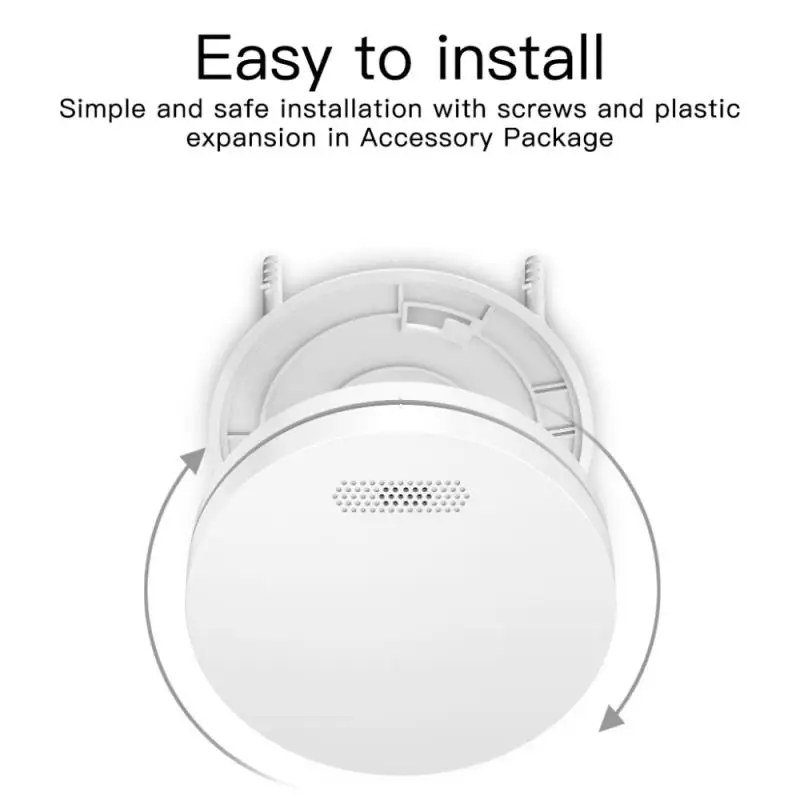
Method of
A. Drill a hole in the ceiling using the hammer drill
B. Install the expansion tube on the ceiling
C. Fix the installation plate using the screw
D. Point the alarm device with the installation plate and connect them, turn clockwise until you hear the sound "kaca", it means to install it correctly.
Specifications:
Technical parameter
Power supply: AAA*2 (not include)
Static current: <10uA
Alarm current: <100mA
Working temperature: 0 ℃ ~ + 50 ℃
Humidity: ≦ 95% RH, no freezing
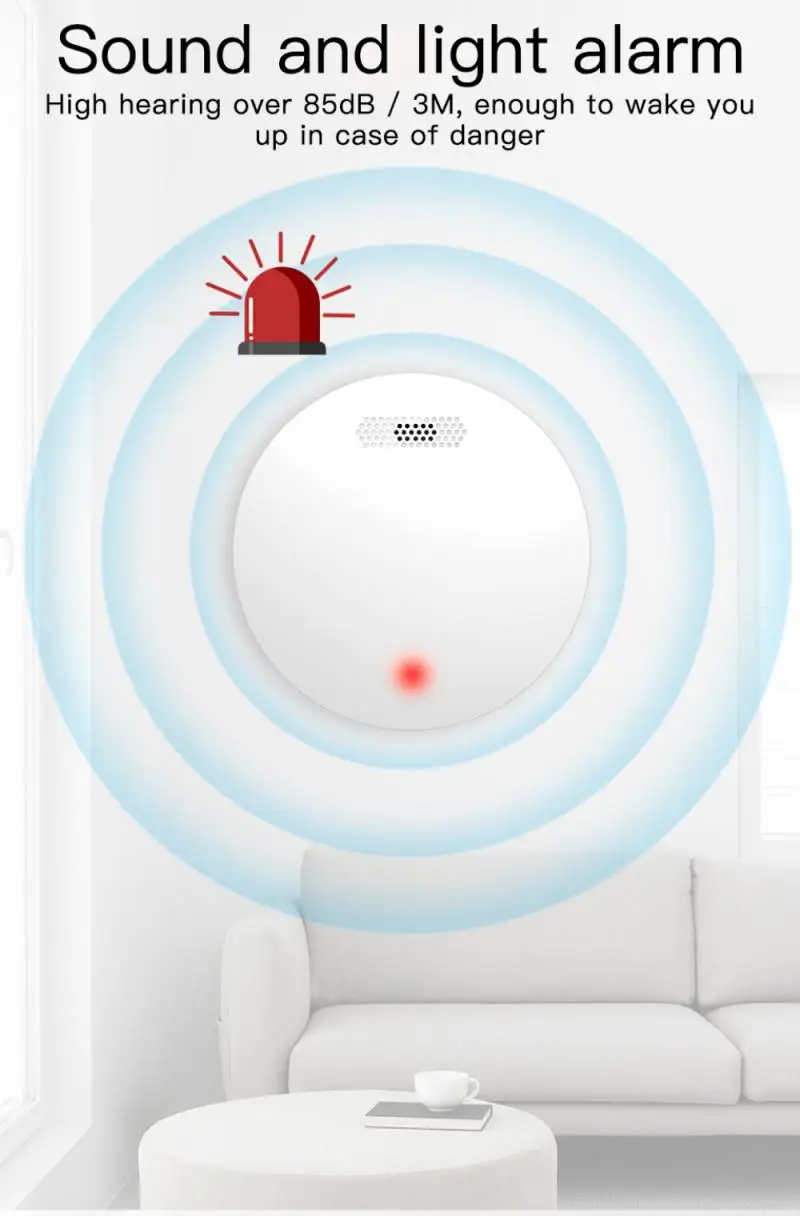
Alarm sound:> 80dB
Low battery alert: ≦ 7.0V ± 0.2V
Package Included:
1 * detector (without battery)
1 * instruction manual
1 * screw pack



Ships within 48 hours · Estimated delivery Jul 11 - Jul 16
US$40
Get nowSign up to your membership to get coupons up to
15%
Get nowOpportunity to enjoy order discount up to 15% off
Top-Converting Item to Boost Your Average Order


